 Sharpvue OS
Built to run a trailer,
not a server room.
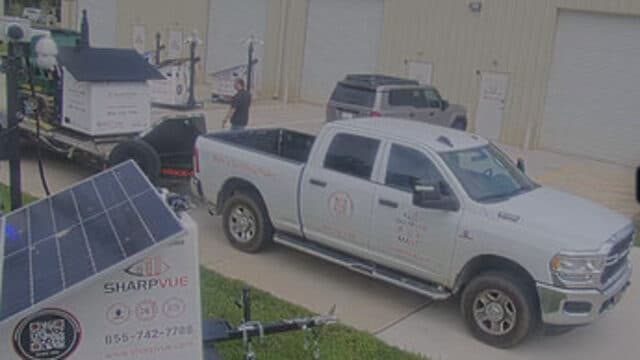
Every Sharpvue unit — MAST and MAST-mini trailers, the AC-powered PSU, the solar SPSU, and BYOT conversions — runs Sharpvue OS, one operating system purpose-built for mobile surveillance. It runs the unit itself: the cameras, the multi-carrier cellular failover, the solar charge and battery management, and the strobe, siren, and talk-down hardware. Everything you touch — iVISION, MySharpvue, ODIN — plugs into it.
- Average fleet uptime
- 99.7%Average fleet uptime
- Continuous monitoring
- 24/7Continuous monitoring
- Typical auto-heal response
- <90sTypical auto-heal response
Nine things the unit does. One thing doing them.
Video, telemetry, repair, connectivity, logistics, and camera control are not six products that happen to share an enclosure. They are services of one operating system.
Everybody else bolts parts together.
A mobile surveillance unit is a camera system, a cellular router, a solar power plant, and a deterrence rig sharing one enclosure. Wire four products together and you get four things to troubleshoot. Run one operating system and you get a unit.
- One OS across the fleet
- A trailer, a pole-mounted PSU, and a converted competitor's chassis all run the same software and appear on the same dashboard. Nothing is a one-off.
- The unit's whole job in one place
- Video, connectivity with carrier-to-carrier failover, power management, and active deterrence — managed as one system instead of four boxes wired together.
- Open by design
- Standard RTSP streams and ONVIF support, with your choice of platform on top: Sharpvue iVISION, Alarm.com for Business, or OpenEye.
- Built to be operated remotely
- Every subsystem is readable and controllable over the air — which is what makes full ODIN diagnostics and auto-healing possible in the first place.
Four layers, top to bottom.
The abstraction at the bottom is the whole trick: the OS talks to hardware through one interface, so a trailer, a pole-mounted portable, and a competitor's chassis look identical to everything above it.
Applications
What you log into.
- iVISION
- MySharpvue
- ODIN
Platform services
The jobs the OS performs, continuously, on every unit.
- Video pipeline
- AI detection
- Telemetry
- Auto-healing
- OTA updates
Infrastructure
The plumbing that keeps those services running off-grid.
- Multi-carrier routing
- Power management
- Storage
- Remote access
- Identity
Hardware abstraction
One interface to the metal, so a chassis swap changes nothing above this line.
- Cameras & PTZ
- Radios & SIMs
- MPPT & batteries
- Strobe, siren, talk-down
↓ The hardware itself — whatever it happens to be bolted to.
Every camera, live, with nothing to install.
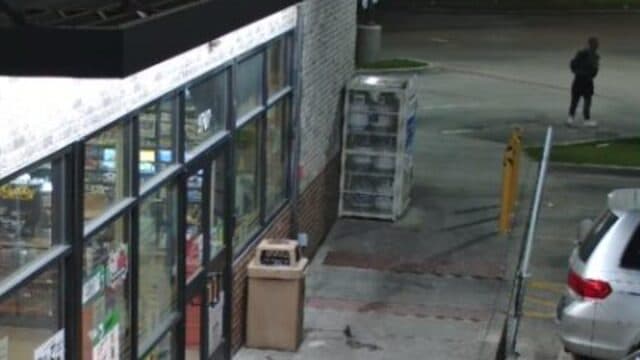
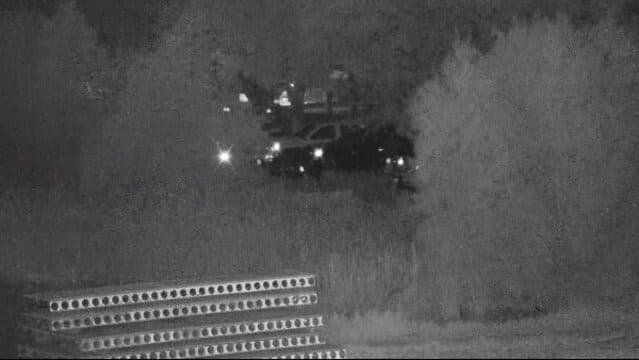
iVISION is the video layer of the OS. It streams from the unit to the cloud over whatever connection is working, records continuously, and runs detection on the way through — so the wall you open in a browser is already sorted by what matters.
- Unlimited users and unlimited concurrent streams — no per-seat maths
- People, vehicles, and plates detected and boxed live, not on review
- Continuous recording with no storage cap, and your own exports on demand
The unit tells you how it's doing.
Because the OS owns the power system as well as the cameras, it can answer the question that actually matters off-grid: can this unit run indefinitely where it is parked? Every reading carries its age, so stale numbers are flagged rather than believed.
- Battery voltage and state of charge, with the trend that got it there
- Solar harvest against live load — the two numbers that decide runtime
- Carrier, signal strength, VMS, gateway, access point, and per-camera status
Most faults fix themselves.
A hung access point, a stuck gateway, a VMS that stopped recording — these are the faults that used to cost a drive. The OS detects them, diagnoses them, runs the fix, and then verifies the fix actually took, usually before anyone has noticed.
- Continuous fault detection across every subsystem, not just a ping
- Targeted remedies — power-cycle, re-provision, restart — rather than blind reboots
- Verification after every action, and a human escalation when it does not clear
An engineer for every trailer.
ODIN reads the full state of a unit — power, connectivity, VMS, gateway, cameras — and answers in plain language. Ask what went wrong at 2 AM and you get the cause, the evidence, and an offer to fix it, not a log file.
- Plain-language diagnosis with the telemetry that supports it
- Runs the repair on your say-so, then confirms it worked
- Builds a video wall from a plain-language ask, and pushes fleet-wide updates
One dashboard for every unit you own.
Every deployed unit on a single live map, filterable by what is actually wrong — offline, battery, access point, VMS. Groups by customer, region, or job site keep a hundred-unit fleet legible to the person responsible for eight of them.
- Near-real-time position and health for the whole fleet, anywhere in North America
- Triage filters that surface the two units needing attention out of a hundred
- Groups, permissions, and uptime reporting for customer reviews and SLAs
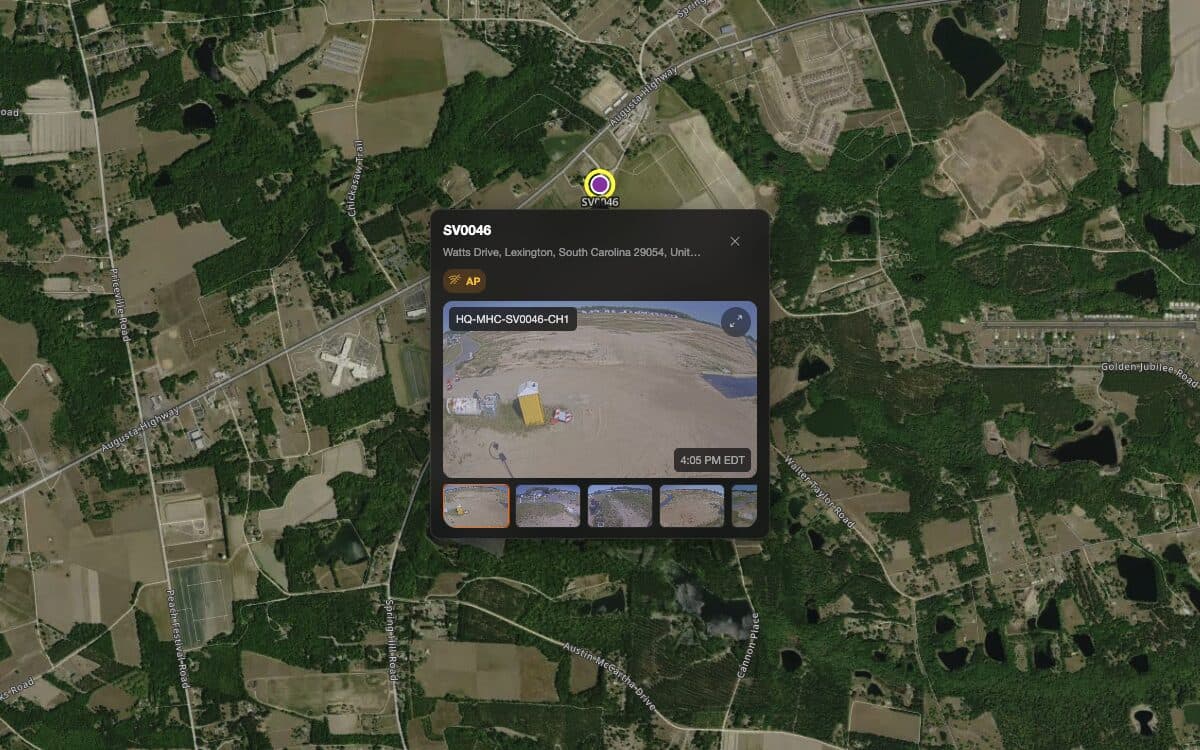
Every move, every site, on the record.
Deployments are half the work of running mobile surveillance. Request a move, watch the trailer's live GPS on the way, and keep the driver, the site contact, and the Sharpvue helpdesk on one thread instead of three phone calls.
- Move requests tracked from requested through delivered to redeployed
- Live GPS and ETA on the leg, visible to everyone who needs it
- Full site history per unit — where it has been, for how long, and why it left
Connectivity is part of the product.
The OS manages the uplink itself: multiple carriers, bonded and failed over automatically, so a weak cell on one network never becomes a gap in your recording. You do not source SIMs, negotiate data plans, or troubleshoot a router.
- Multi-carrier 5G / LTE with automatic failover between networks
- Managed SIMs and data — connectivity ships with the unit
- Failover happens mid-stream: no dropped feeds, no lost recording
The portal your whole team logs into.
MySharpvue is where the OS surfaces to people. Dealers run their rental fleet from it, customers watch their own sites in it, and both see the same numbers — because it is reading the unit directly, not a report about the unit.
- Fleet KPIs, uptime trends, and open alerts on one screen
- Built-in web VMS — live view, timeline scrubbing, and exports without leaving the portal
- One account for dealer, customer, and Sharpvue support, scoped by permission
Drive the camera from a browser tab.
Pan, tilt, and zoom are OS calls, not a separate camera app with its own login. Take manual control from anywhere, drop a preset on the gate you always check first, or let auto-tracking follow whoever just walked into the yard.
- Full pan-tilt-zoom control, presets, and tours from the same window as the video
- Auto-tracking that locks onto a person or vehicle and follows it across the envelope
- Low-power PTZ heads sized for a trailer's solar bank, not a mains drop
What runs on top of it.
Sharpvue OS runs the unit. These are the three things you actually log into — and they work the way they do because the layer underneath is one system, not four.
Your choice of platform on top.
The OS speaks standard RTSP and ONVIF, so the video layer is a decision you get to make — and change — without replacing the unit underneath it.


Sharpvue OS ships on every new unit and is rolling out to the existing fleet as a remote software update — no truck roll.
Put a unit on your site.
A live walkthrough of the unit, the fleet portal, and ODIN fixing a fault while you watch — on the same software that runs every Sharpvue in the field.