Brand guidelines
How to represent Sharpvue in print and on screen — the approved logo, colour, and type, plus the boilerplate, headshots, and imagery journalists and partners need to cover us accurately.
About Sharpvue
Use the paragraph below verbatim. It is the approved company description and matches every other source we publish.
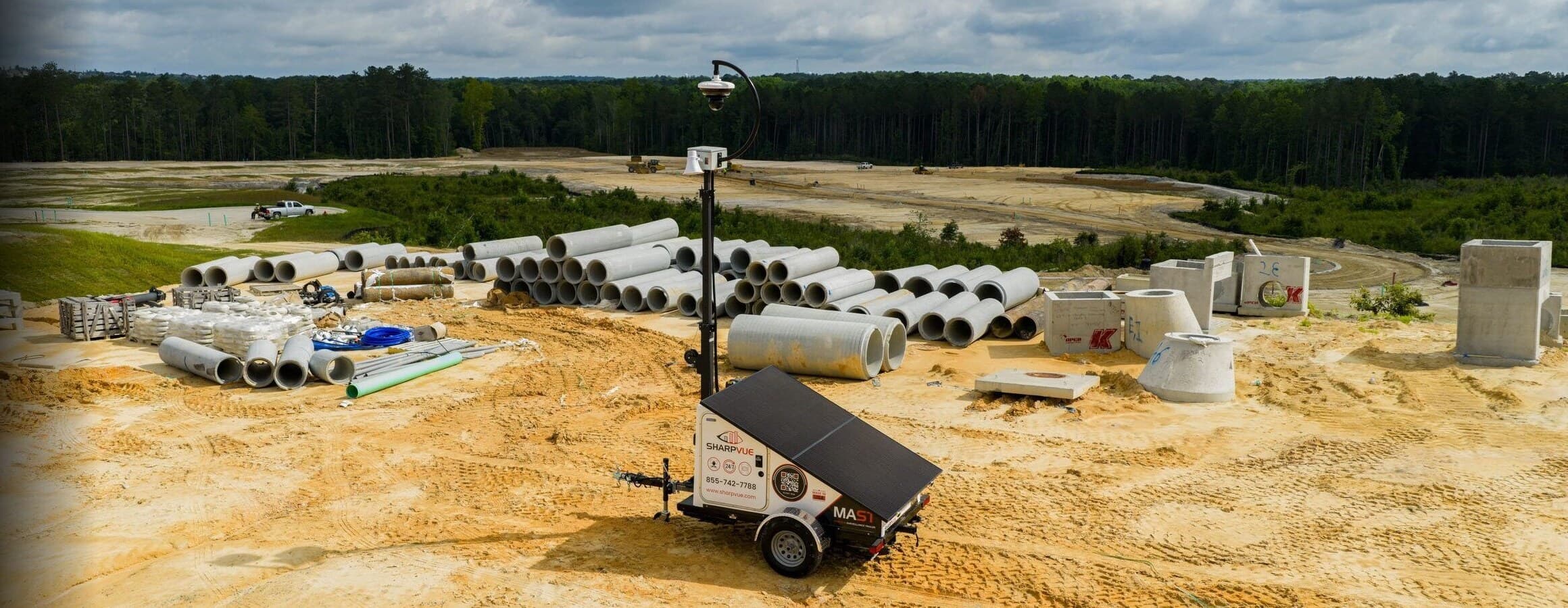
Sharpvue designs and manufactures Mobile AI Surveillance Trailers (MAST), AI-powered NDAA-compliant cameras, portable surveillance units, and the iVISION cloud video management system. Founded in 2015 and headquartered in Chapin, South Carolina, Sharpvue builds drop-and-deploy surveillance for sites where grid power and permanent infrastructure don't reach — construction, retail, multi-family, critical infrastructure, hospitality, and law enforcement. Every Sharpvue trailer is solar-charged, connected over multi-carrier 5G with optional Starlink satellite, and records continuously to the cloud. Uniquely, the same trailer hardware runs on a customer's choice of three monitoring ecosystems: Sharpvue iVISION, Alarm.com for Business, or OpenEye. Sharpvue is NDAA Section 889 compliant and made in the USA.
Made in the USA. Designed, built, and configured in Chapin, South Carolina.
NDAA compliant. Section 889–compliant components for federal, utility, and infrastructure procurement.
Fast facts
- Company
- Sharpvue, Inc.
- Founded
- 2015
- Headquarters
- Chapin, South Carolina, USA
- Founder & CEO
- Andre Fontana
- Flagship product
- MAST — Mobile AI Surveillance Trailer
- Compliance
- NDAA Section 889 compliant
- Origin
- Designed & built in the USA
- Phone
- 855-742-7788
- Website
- sharpvue.com
The Sharpvue logo
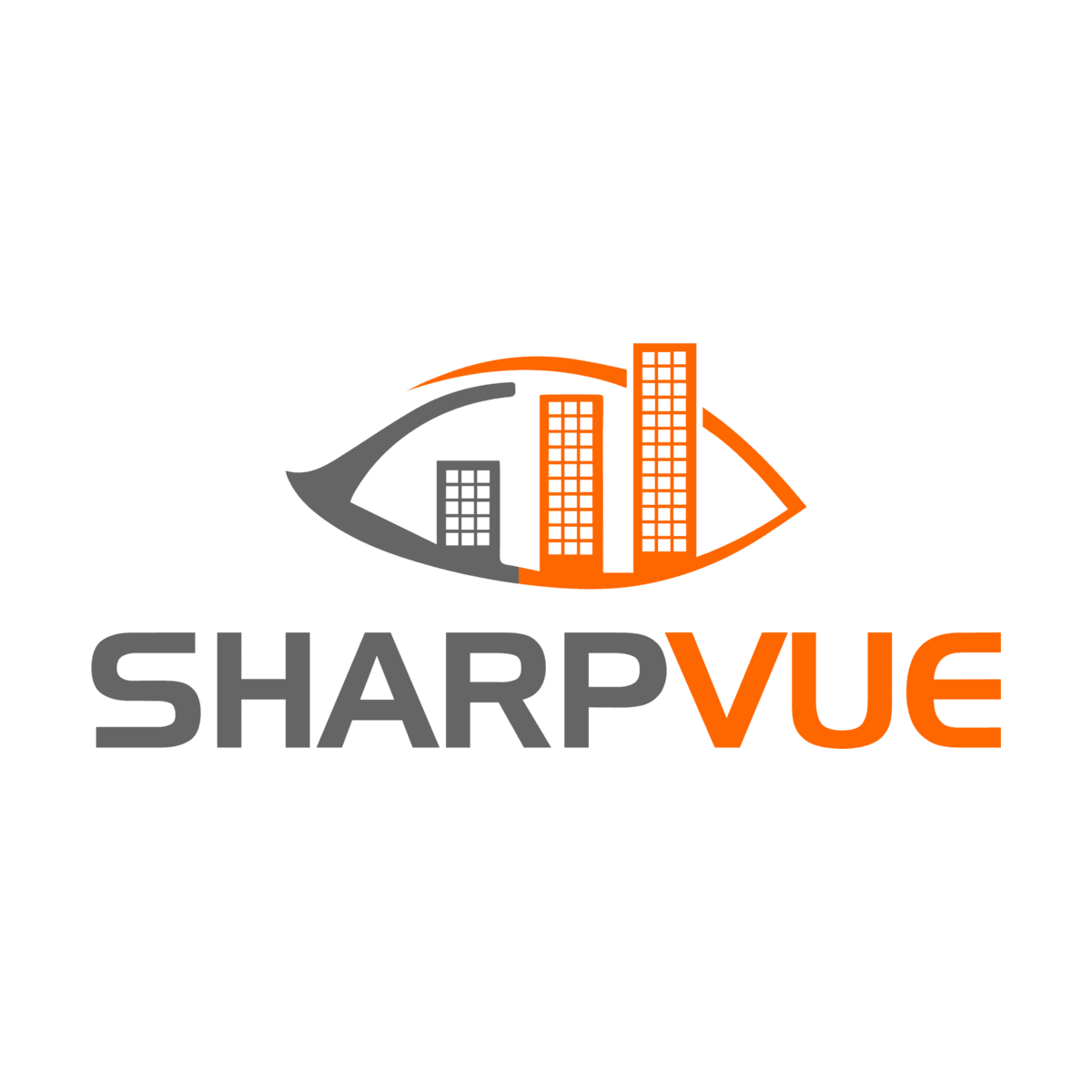
The logo is a lockup of two fixed parts: the eye symbol and the SHARPVUE wordmark. The relationship between them is set — never redraw, re-space, or substitute either one. The wordmark may also stand alone where a wide, shallow format suits it better.
Every lockup, wordmark, and symbol on this page, in PNG, plus the usage rules as a text file. Need EPS or SVG vectors? Ask the press team.
Primary lockup
The stacked lockup is the default. Use it wherever there is room for it, at its full colour.
Clear space
X is the height of the eye symbol. Keep a clear margin of at least ½X on every side of the lockup. No type, rule, image edge, or other logo enters that zone.
Minimum size
Below these sizes the windows in the symbol fill in and the mark stops reading.
- Screen
- 120 px wide
- 1 in / 25 mm wide
Colour variations
Full colour is the default. Drop to one colour only when the background or the print process demands it.
Wordmark alone
The SHARPVUE wordmark is approved for use without the eye symbol — reach for it where the format is wide and shallow and the stacked lockup doesn't fit.



Sharpvue OS lockup
Sharpvue OS is presented as a mark, not as two words set in a heading — the wordmark with the OS badge under the VUE, right-aligned to the E. Use it for headings, page heroes, and product labels; in running prose, write “Sharpvue OS” as words.



iVISION lockup
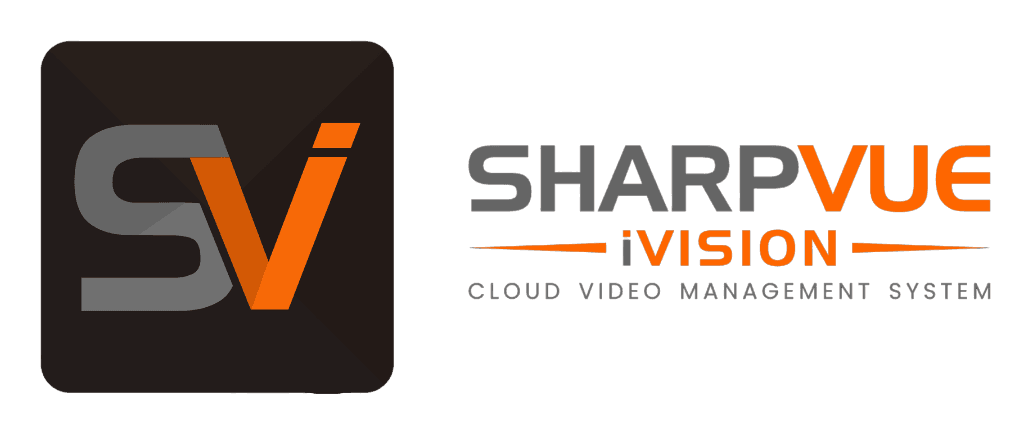
iVISION is Sharpvue's cloud video management system. Its lockup pairs the SV app icon with the SHARPVUE wordmark and the iVISION descriptor — fixed artwork, never re-spaced or recoloured. Use it wherever iVISION is named as a product; in running prose, write “iVISION” as a word.
Incorrect usage
The mark is fixed artwork. If what you need is not on this page, ask us for it rather than building it.
IncorrectIncorrectIncorrectIncorrectIncorrectIncorrectIncorrectIncorrectThe eye symbol
The symbol may stand alone where the Sharpvue name is already established or where the space is too small for the full lockup — favicons, avatars, app icons, and product badging.



Signature colours
Sharpvue Orange is the primary brand colour; Sharpvue Gray is its neutral partner. Use the exact values below in print and on screen.
- HEX
- #FD6600
- Pantone
- 165 C
- CMYK
- 0 · 74 · 100 · 0
- RGB
- 253 · 102 · 0
- HEX
- #656565
- Pantone
- P 179-11 C
- CMYK
- 60 · 51 · 51 · 21
- RGB
- 101 · 101 · 101
- HEX
- #0A0A0A
- RGB
- 10 · 10 · 10
- HEX
- #FAFAF9
- RGB
- 250 · 250 · 249
Brand palettes
The tints and shades the website and product UI are built from. Supporting roles only — they never replace the signature colours.
Orange
50
#FFF5EE
100
#FFE6D2
200
#FFC69E
300
#FFA066
400
#FF8438
500
#FD6600
600
#D65300
700
#AA4200
800
#7E3200
900
#4E1F00
Neutral
50
#F7F7F7
100
#EDEDED
200
#D9D9D9
300
#B8B8B8
400
#8C8C8C
500
#656565
600
#515151
700
#3D3D3D
800
#292929
900
#161616
950
#0A0A0A
Type system
Two typefaces carry everything: Handel Gothic for display, Poppins for body and UI. Nothing else is used in Sharpvue material.
Handel Gothic
Headlines, hero statements, and section titles. Used sparingly, and never for running copy.
Mobile AI Surveillance
Poppins
Body copy, navigation, buttons, and captions. Free from Google Fonts.
Light — 300
Regular — 400
Medium — 500
SemiBold — 600
Bold — 700
Type usage
The exact specification behind every level on sharpvue.com. Display sizes are fluid — the clamp range is the minimum and maximum.
Page title
Handel Gothic
clamp(2.75rem · 5rem) / 1.0 · −0.025em
Press resources
Section heading
Handel Gothic
clamp(2rem · 3.25rem) / 1.1 · −0.025em
Mobile AI Surveillance
Subheading
Handel Gothic
1.25rem / 1.4
Drop and deploy in minutes
Eyebrow / label
Poppins SemiBold
0.75rem · uppercase · 0.18em tracking
Press & brand kit
Body
Poppins Regular
1rem / 1.625
Every Sharpvue trailer is solar-charged and records continuously to the cloud.
Caption
Poppins Regular
0.875rem / 1.5
Chapin, South Carolina — NDAA Section 889 compliant.
Product imagery
Approved product renders, cleared for editorial use with a Sharpvue credit. Click any image to download it.
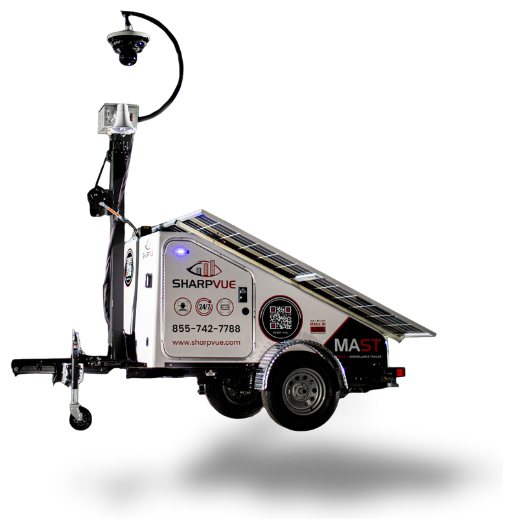
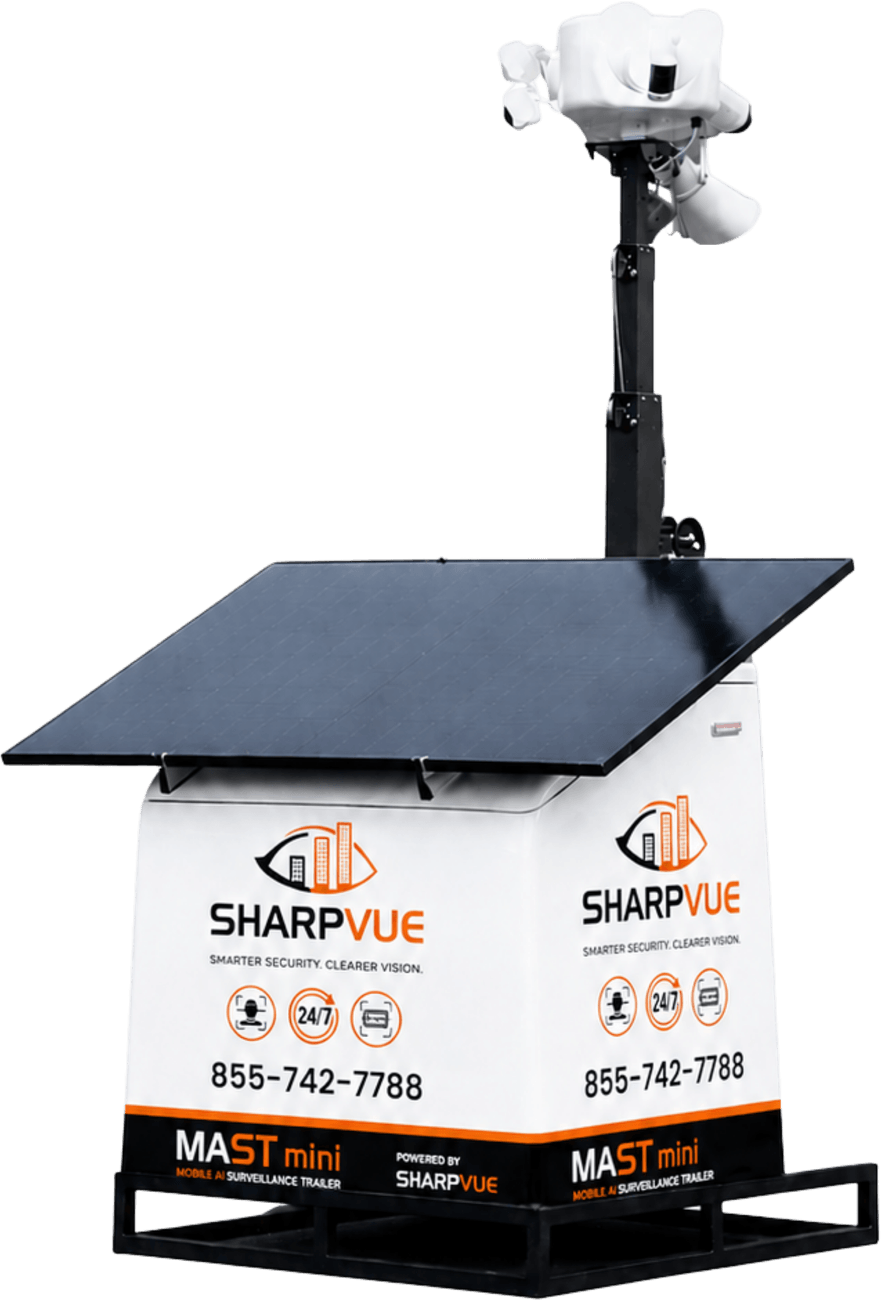
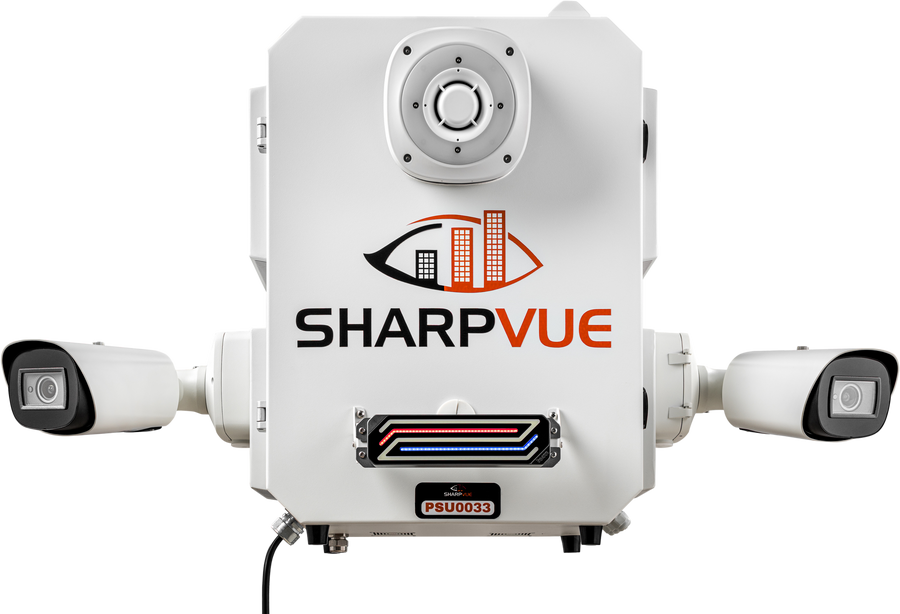
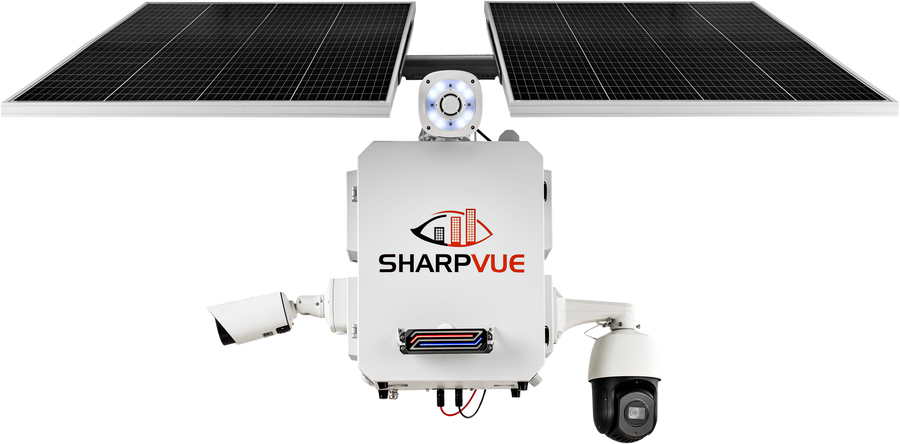










Don't recolour, composite, or add graphics to product imagery. Higher-resolution files, deployment photography, and B-roll are available on request through the press contact form.
Available for press
Spokespeople available for interview, with approved bios and downloadable headshots.
How to write our names
Product names are trademarks, not descriptions — set them exactly as shown. When in doubt, match the boilerplate.
| Correct | Avoid | Note |
|---|---|---|
| Sharpvue or SHARPVUE | SharpVue, Sharp Vue | One word — capital S, or all caps as in the wordmark. Never mixed case. |
| MAST (Mobile AI Surveillance Trailer) | M.A.S.T., Mast | Spell out on first reference, then “MAST.” |
| MAST-mini | MAST Mini, Mast-Mini | Hyphenated, lowercase “mini.” |
| iVISION | iVision, Ivision | Lowercase “i,” uppercase “VISION.” |
| Sharpvue OS | SharpvueOS, Sharpvue O/S | Two words, “OS” in caps. Set as the lockup wherever it reads as a mark. |
| NDAA Section 889 compliant | NDAA certified | “Compliant,” not “certified.” |
Sharpvue in the news
Recent third-party coverage. For our own announcements, see the press releases.
Security Today · 2026
Sharpvue and Vorp Energy Partner on Mobile Surveillance Trailers
Alarm.com · 2026
Alarm.com Showcases Unified Platform Growth and AI-Powered Innovation at ISC West 2026
Features the Sharpvue-built MAST and MAST-mini.
SecurityInfoWatch · 2025
Tech Trends: All Along the Digital Watchtowers
Loss Prevention Media · 2025
New Partnership Expands Next-Generation Mobile Surveillance to Retail and Food Service
Lexington County Chronicle · 2024
Irmo is set to install more security cameras to combat crime
Irmo Town Council contracts Sharpvue to add fixed cameras in the Columbia Avenue corridor, following the license-plate cameras installed the year before.
Talk to the media team
For interviews, quotes, vector logo files, high-resolution assets, or permission to use anything on this page.
Covering mobile surveillance?
We're happy to provide interviews, deployment data, demo units, and high-resolution assets. Reach the media team anytime.